
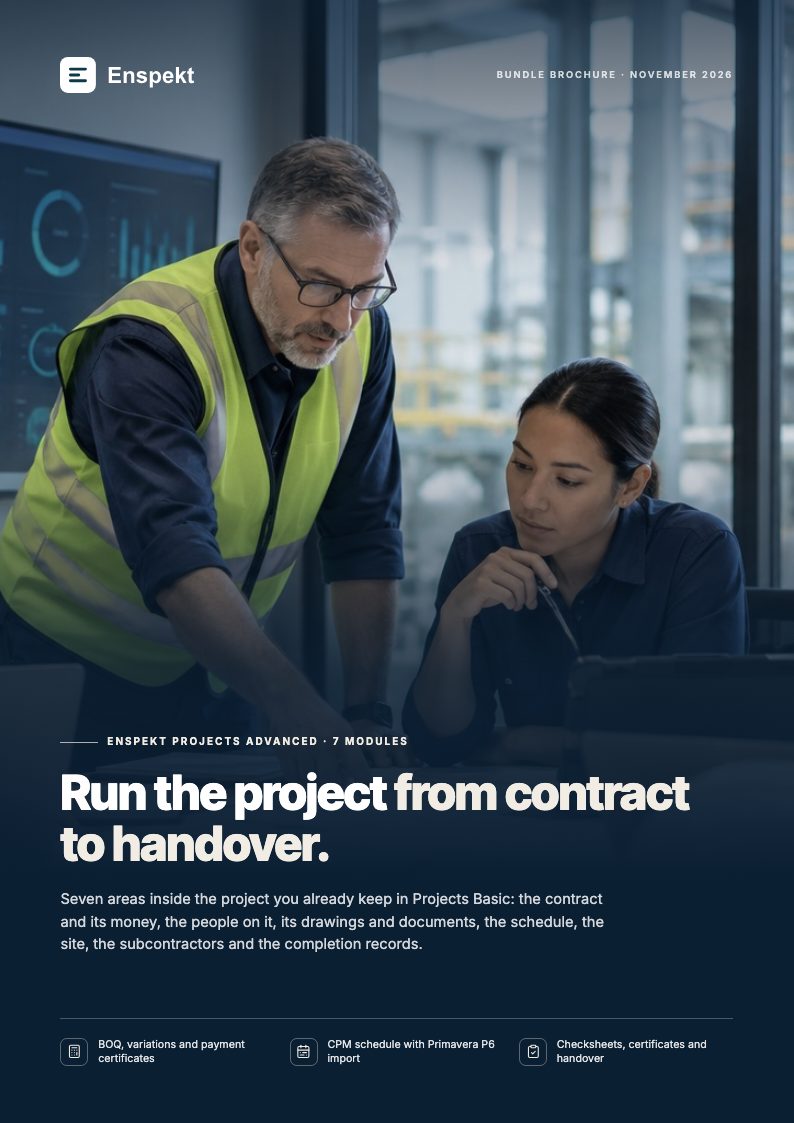
Enspekt Projects Advanced · 7 modules
Seven areas inside the project you already keep in Projects Basic: the contract and its money, the people on it, its drawings and documents, the schedule, the site, the subcontractors and the completion records.
Why Projects Advanced
Commercial, planning, document control, site and completion teams usually keep their own spreadsheets about the same project. Here each team works in its own tab of one project, every member sees only the areas they are granted, and the figures move from one area to the next without retyping.
A payment certificate is built from the bill of quantities and approved variations, and creates a draft receivable invoice in Accounting.
The CPM schedule, daily site reports and punch lists sit in the same project, so progress on site is read against the plan.
Systems, checksheets and completion certificates are tracked tag by tag, and the handover documents are filed for the client.
What’s included
Contract terms, cost codes and budget, bill of quantities, variations, interim payment certificates that create draft receivable invoices, and cost against budget.
Role demand, named people and crews checked for availability and competence, a resource histogram, site timesheets and labour cost on cost codes.
The engineering document register with planned issue dates, revisions and files, transmittals with return codes A to D, and RFIs.
Work breakdown, activities with all four link types, calendars, critical path and float, baselines, and import from Primavera P6 or MS Project.
Daily site reports that work offline on a phone and are countersigned by the client, and punch lists pinned on drawings.
Subcontract packages with a schedule of rates on cost codes, retention, advance and defects terms, award, variations and subcontractor certificates.
Systems and subsystems, tags allocated to subsystems, A/B/C checksheets, punch by category, completion certificates, handover documents and earned value.
How it works
Contract
Terms, BOQ, budget
Plan
CPM and baseline
Resource
Crews and timesheets
Build
Site reports, punch
Certify
Payment certificates
Hand over
Certificates, dossier
Seeing a project does not show its money: each of the seven areas is granted to a member on its own.
Daily site reports are written on a phone without a signal and sent when it comes back.
The client signs a daily report on the device or in the client portal.
Import a Primavera P6 XER or MS Project XML file instead of building the schedule again.
Planned, earned and actual cost on one curve, from the schedule and the cost codes.
All seven areas are in beta: in use and supported, and still changing with customers’ feedback.
Projects Basic, the project hub, comes with every bundle; Projects Advanced adds these areas inside it.
Payment certificates create draft receivable invoices, and subcontractor certificates are paid through payables.
Project purchase orders and requisitions are bought through the same purchasing as the rest of the company.
Handover documents are filed into the project’s manufacturing record book for the client.
The material take-off from isometrics and P&IDs is its own app on the same project.
Everything on this page as a 4-page brochure to share with the people who run it.
PDF · 4 pages · 1.2 MB · November 2026 edition
Oil & Gas, Manufacturing, Coating, Civil, TPI Agencies — set up a workspace with your own standards and sign-off workflows, across quality, operations, supply chain and finance.
No credit card required · Every workspace is reviewed before activation