
Enspekt Drawing Take-off
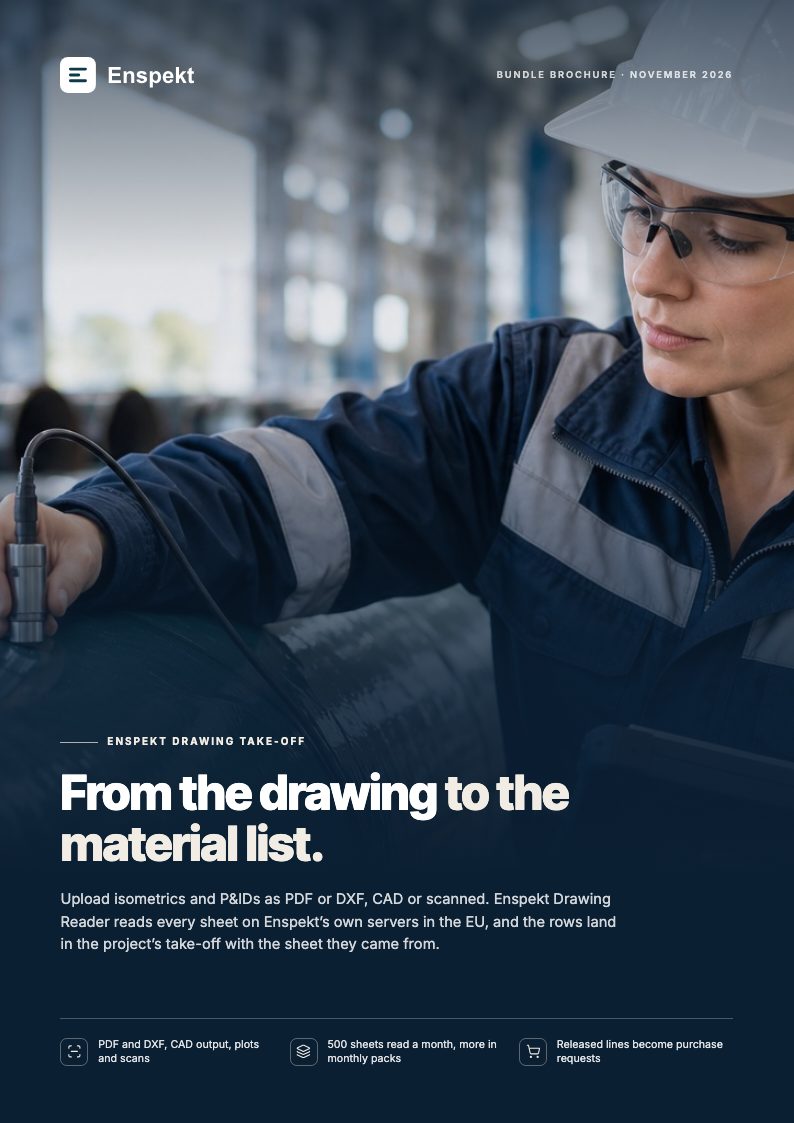
Upload isometrics and P&IDs as PDF or DXF, CAD or scanned. Enspekt Drawing Reader reads every sheet on Enspekt’s own servers in the EU, and the rows land in the project’s take-off with the sheet they came from.
Why Drawing Take-off
A take-off typed from drawings by hand is slow and hard to check. Here each sheet is read on its own, every row keeps its drawing and sheet number, rows the reader was unsure of are marked for review, and your piping classes fill in what a drawing does not print.
Drawing number, sheet and line come with each row, so a quantity can be checked against the sheet it was read from.
Rows arrive as drafts; uncertain text from a scan is flagged, and nothing is added until the reviewer imports it.
Released lines are requisitioned as purchase requests, and the project keeps a priced estimate of the take-off.
What’s included
Reads material tables from PDF and DXF sheets, text from scans and plotted lettering, one sheet at a time. Nothing is sent to an outside service.
Your classes (A1A, CS 150# and so on) supply wall, material and standard by size range; a class can be drafted from the drawings that use it.
Each purchasable item once, linked to your item master, so every take-off line of it can be bought.
Name what each CAD block means once, and the blocks placed in a DXF become take-off rows next to its table.
Instrument, valve and equipment tags read from P&IDs go into the project’s tag register, each tag once.
A template for take-offs kept elsewhere, and PCF files from your piping design tool.
Price the take-off for a project estimate, and draft requests for quotation by package straight from it.
500 sheets read a month, CAD or scanned. Packs of 500, 2,000 or 5,000 more sheets a month can be added from Settings.
How it works
Upload
PDF or DXF, up to 200 sheets
Read
Sheet by sheet, in the EU
Review
Marked rows checked
Complete
Classes fill the gaps
Release
Quantities frozen
Requisition
Purchase requests
A many-sheet file is read one sheet at a time, so a sheet that cannot be read does not hold up the others.
Members see how many sheets are left before they upload; a drawing larger than what is left is not read, never charged extra.
Seeing a project does not show its take-off: Drawing Take-off is granted on its own, and its prices with it.
Draft, released and requisitioned: a released line is frozen, and only a draft can be deleted.
Read on Enspekt’s own servers in the EU; the files are stored with the project like any other document.
How to upload, review, complete with classes, release and requisition, and what a sheet allowance counts.
The take-off sits inside a project and hands its material to purchasing.
Released lines become purchase requests, and requests go out for quotation and on to purchase orders.
Commodities are items of your item master, so what is bought for a project is received and stocked like any other item.
Every take-off belongs to a project in Projects Basic, which comes with every bundle.
Everything on this page as a 4-page brochure to share with the people who run it.
PDF · 4 pages · 1.1 MB · November 2026 edition
Oil & Gas, Manufacturing, Coating, Civil, TPI Agencies — set up a workspace with your own standards and sign-off workflows, across quality, operations, supply chain and finance.
No credit card required · Every workspace is reviewed before activation